





Project Description
In a future where energy has run out, you begin an adventure to save the world and your family
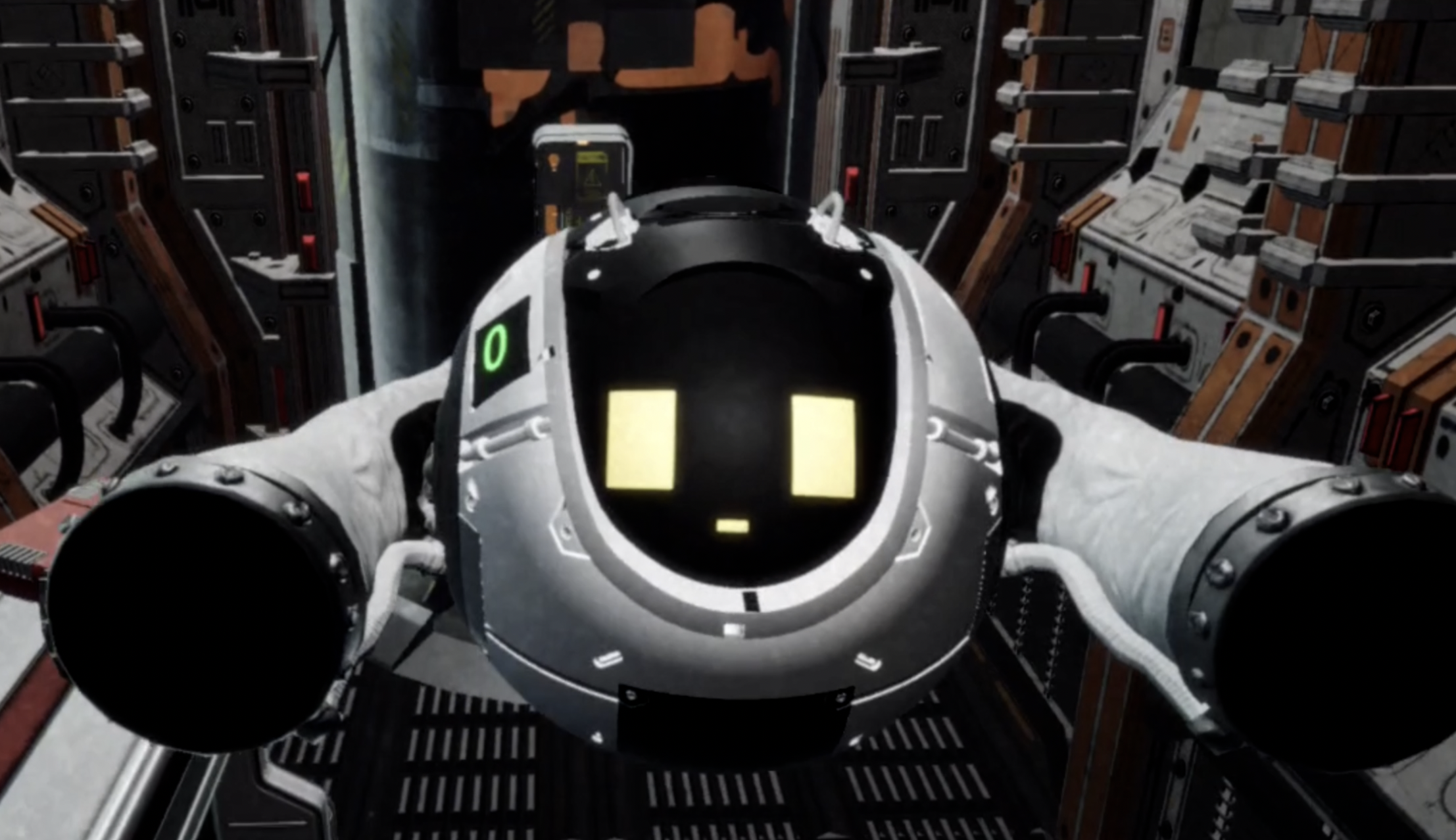
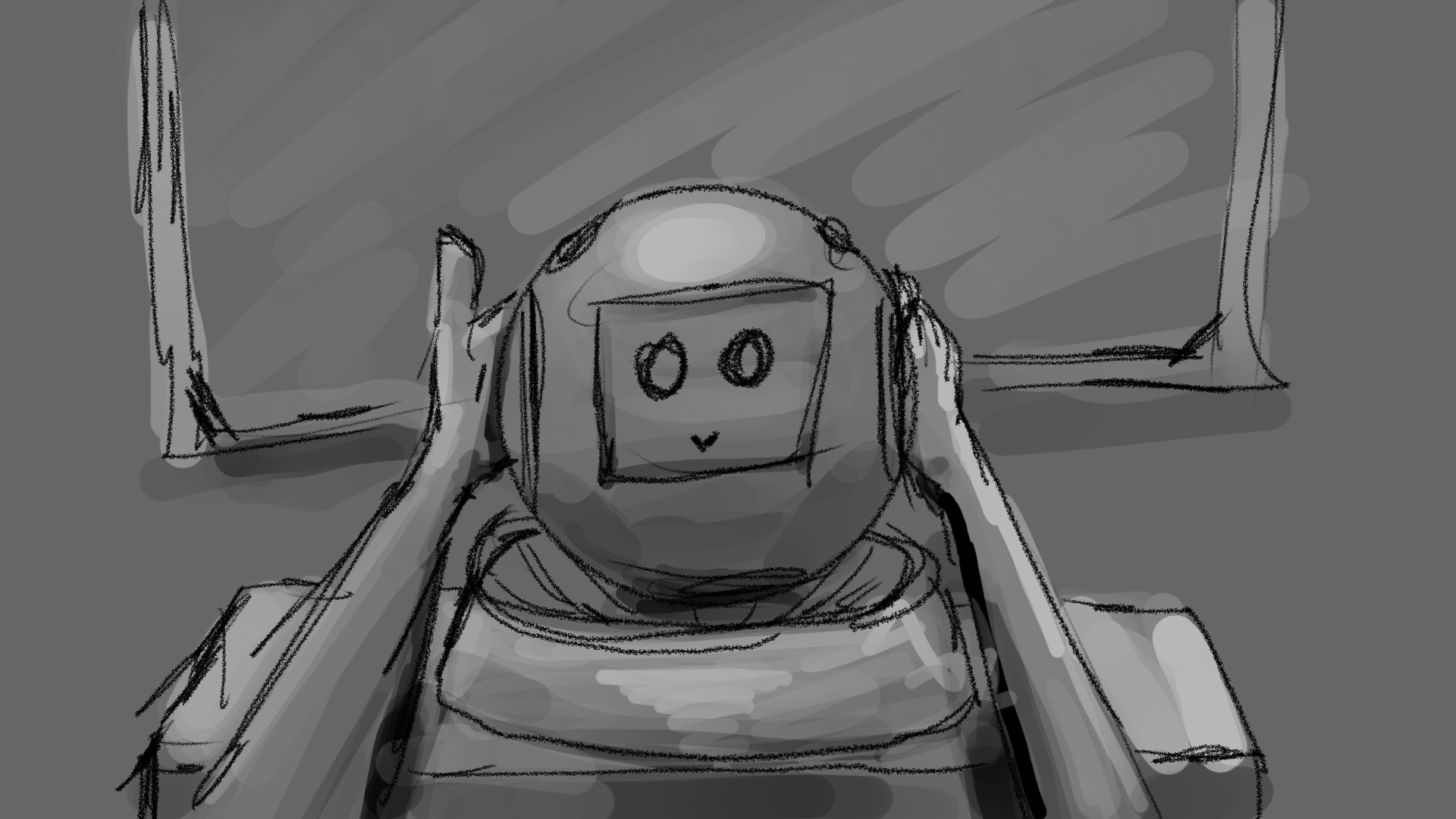
Saving My World is a VR storytelling game where you walk through a real space of 5 * 2 M and explore a space station. In the game, there is a companion called Sphere, and the player must always carry it with both hands. To make this feeling not only in the VR world but also in the real world, we provide a custom controller mount. Players interact with physical objects and solve problems together.
Gameplay
Story Summary
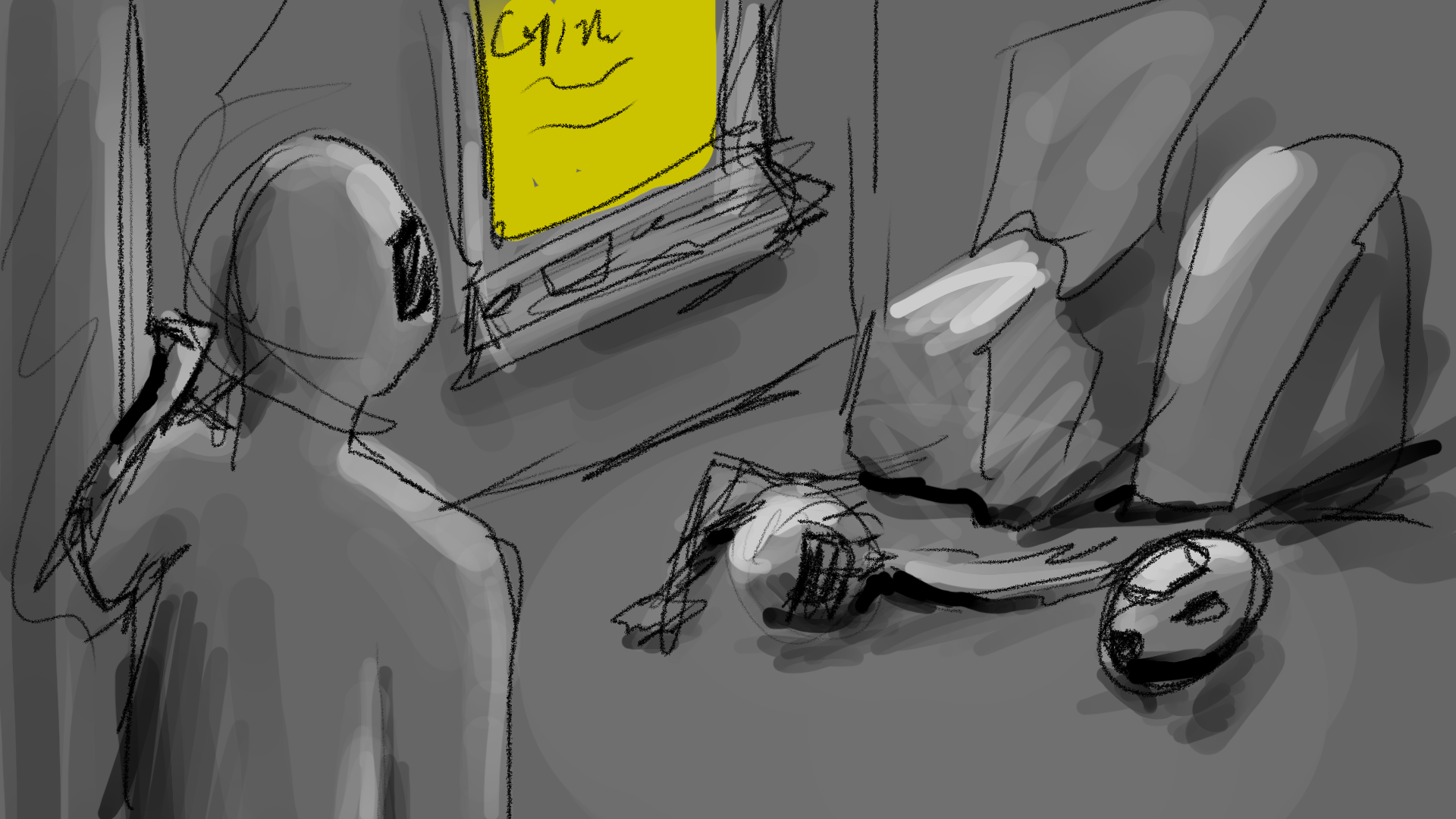
The player wakes inside a damaged facility and, guided by the sphere device, sets out for the Central System. Traveling between modules by capsule, they unlock Scan to reveal invisible cosmic energy, collect it, and use that power to open the way forward. Reaching the Central System, they are tasked with restoring three sub systems and push through each area’s challenges, gaining new abilities that let them progress. With all abilities in hand, a hidden passage in Room 1 triggers the sphere device’s memory recovery, revealing that the player is a clone modeled on the “Original,” along with a family-related clue and extra energy. Returning to the Central System, the story concludes along one of two paths: restart the facility and remain, or gather all energy so the sphere device can secure the station while the player returns to Earth.
Custom Controller Mount
This is the idea that started the concept of the game. When we are in a VR world, there are limits to the physical feedback we can receive. There are methods like haptic gloves that can create the resistance of an object, but this only recreates the sense of touch, so it is hard to say that it creates detailed interaction. Especially when we imagine holding an object with both hands, the real space that should exist between the hands can't be recreated with haptic feedback alone.
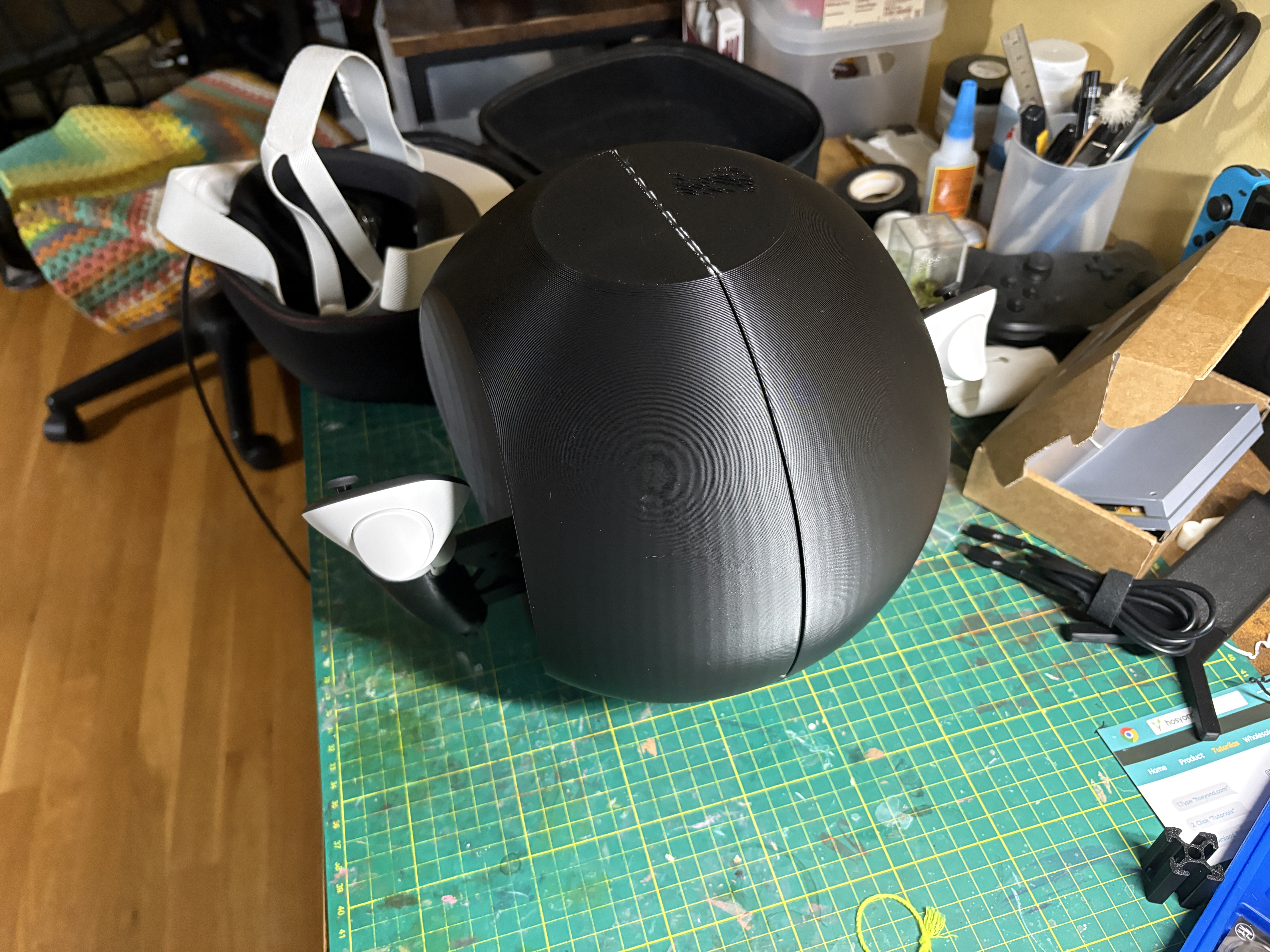
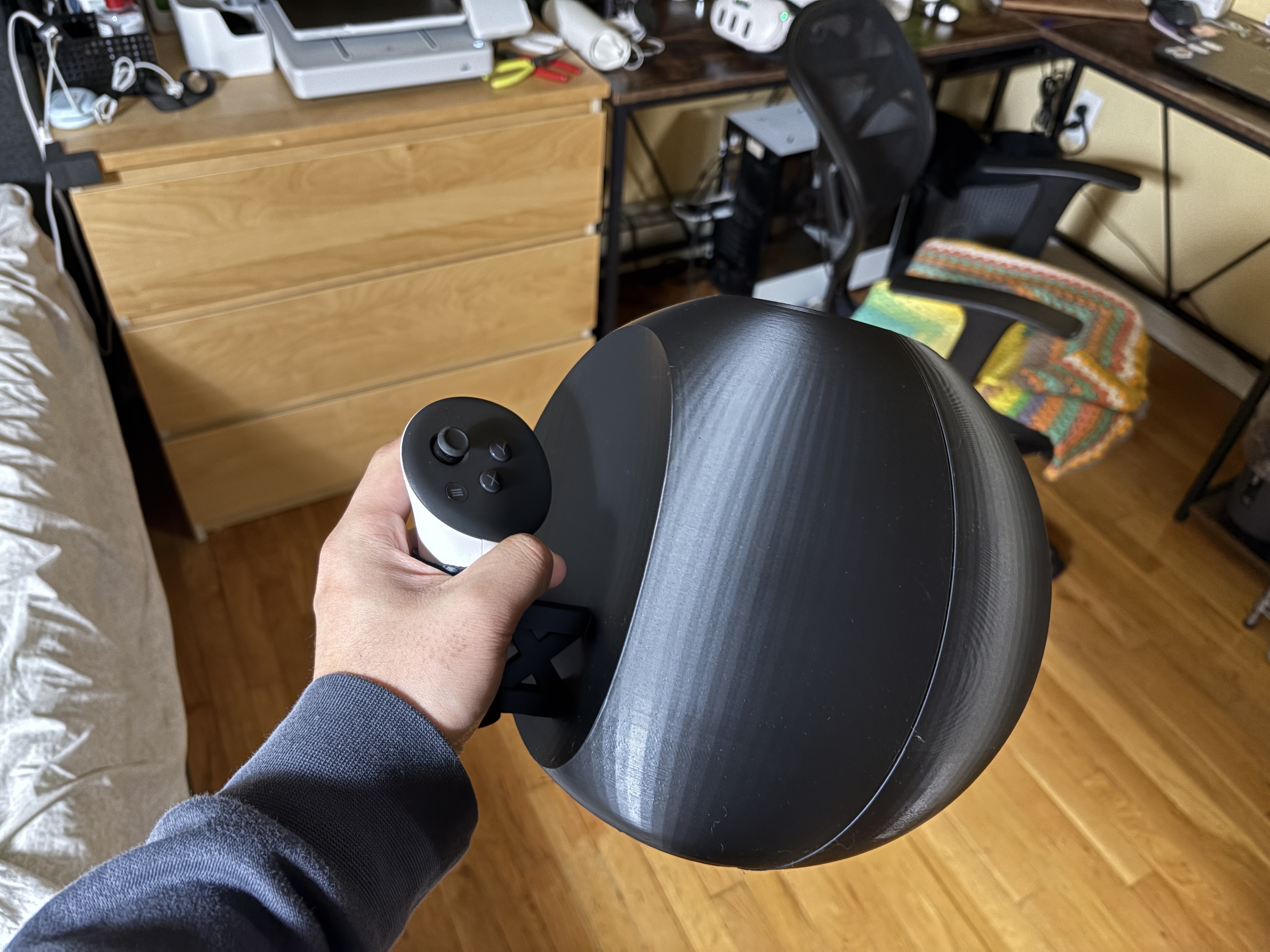
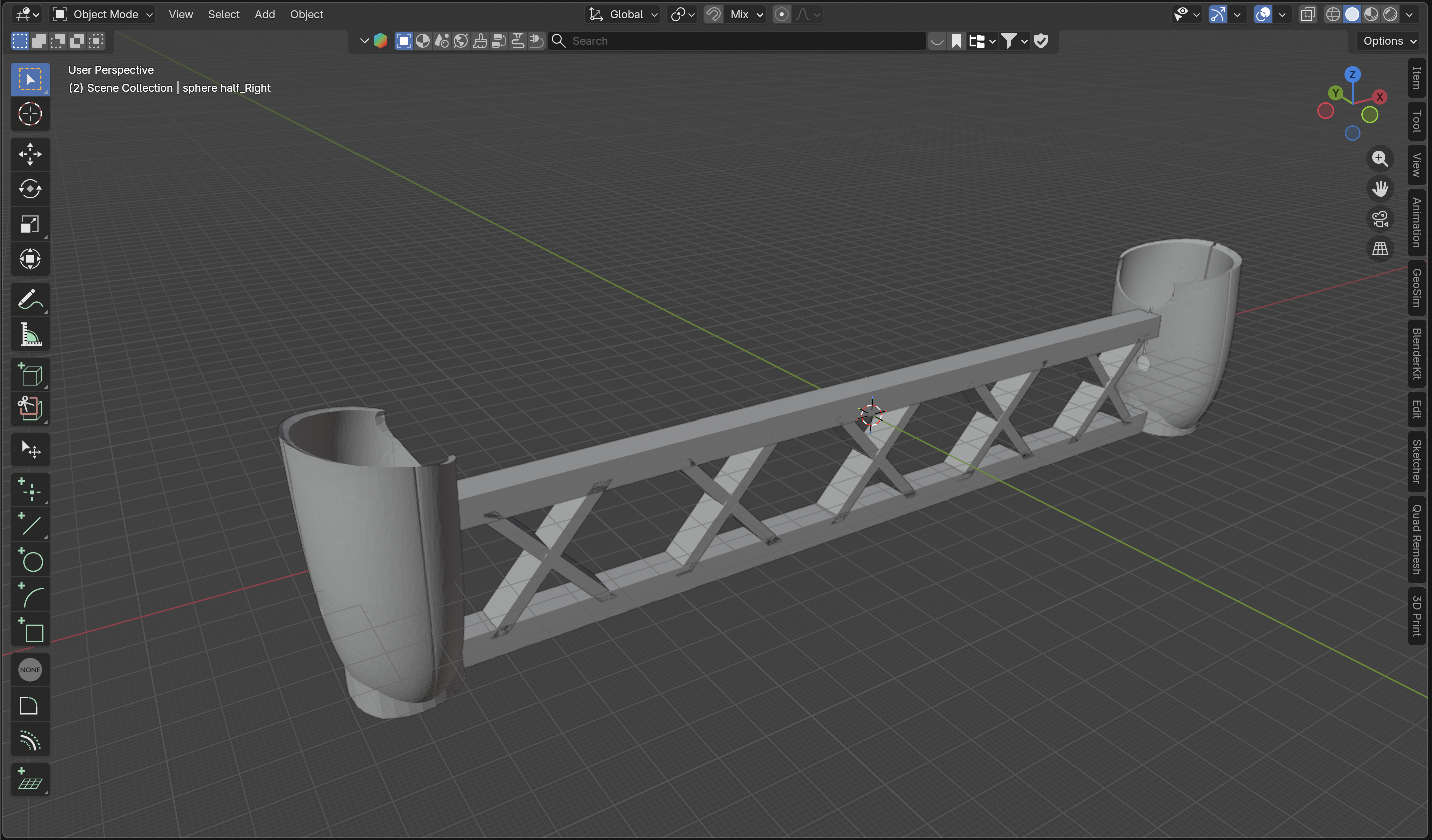
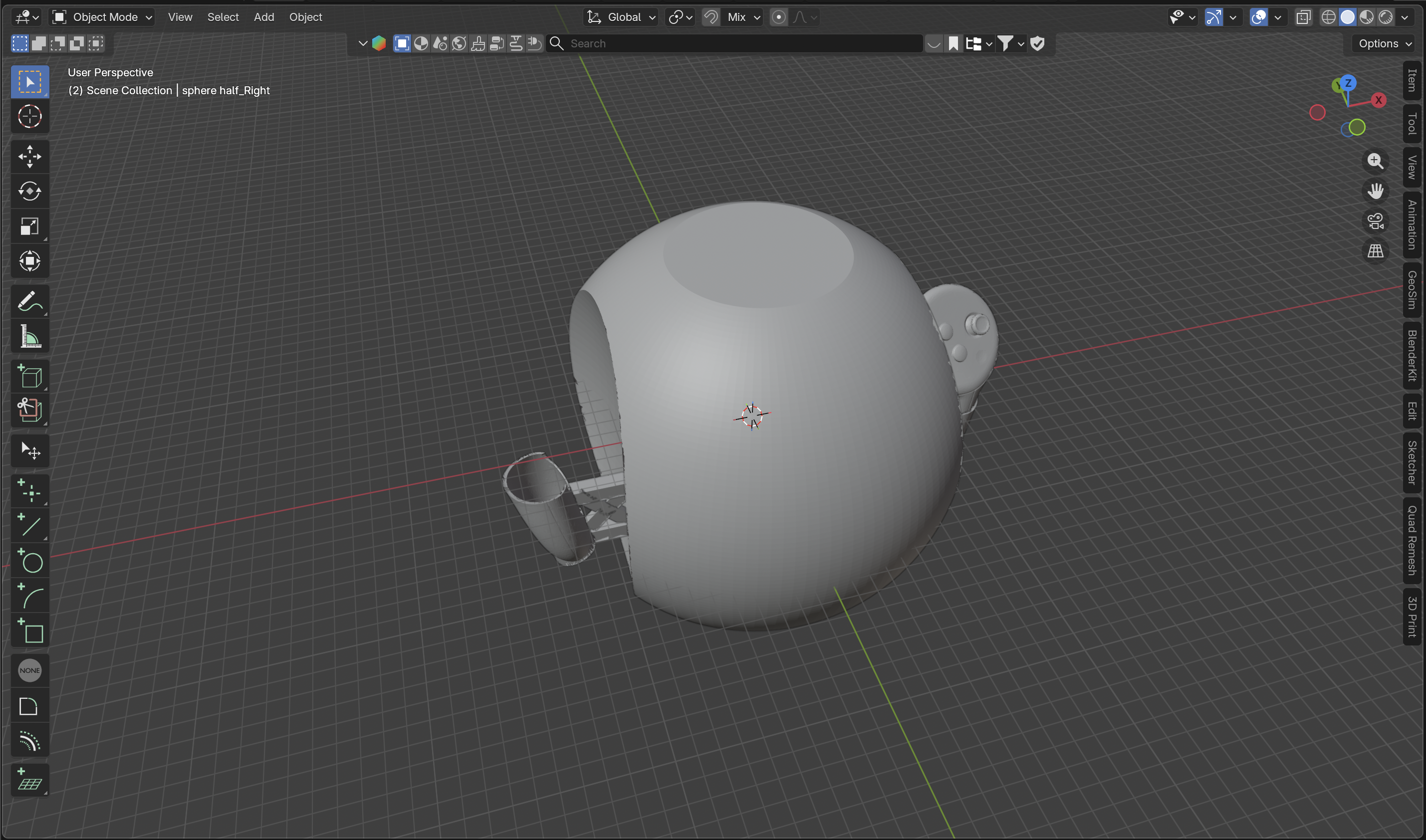
Under that idea, we suggest the custom controller mount. The player holds an object with both hands and sees that its movement is linked with the object in the game. Because of this, the player can feel the visual information of the VR world layered on top of real world sensation. We simply took the name from its shape and called it Sphere.
Because of that, we made Sphere the center of both the main gameplay mechanic and the storytelling. The player move Sphere to solve puzzles, bring Sphere close to their eyes to collect information, and talk with Sphere to understand the world.
Controller Prototyping
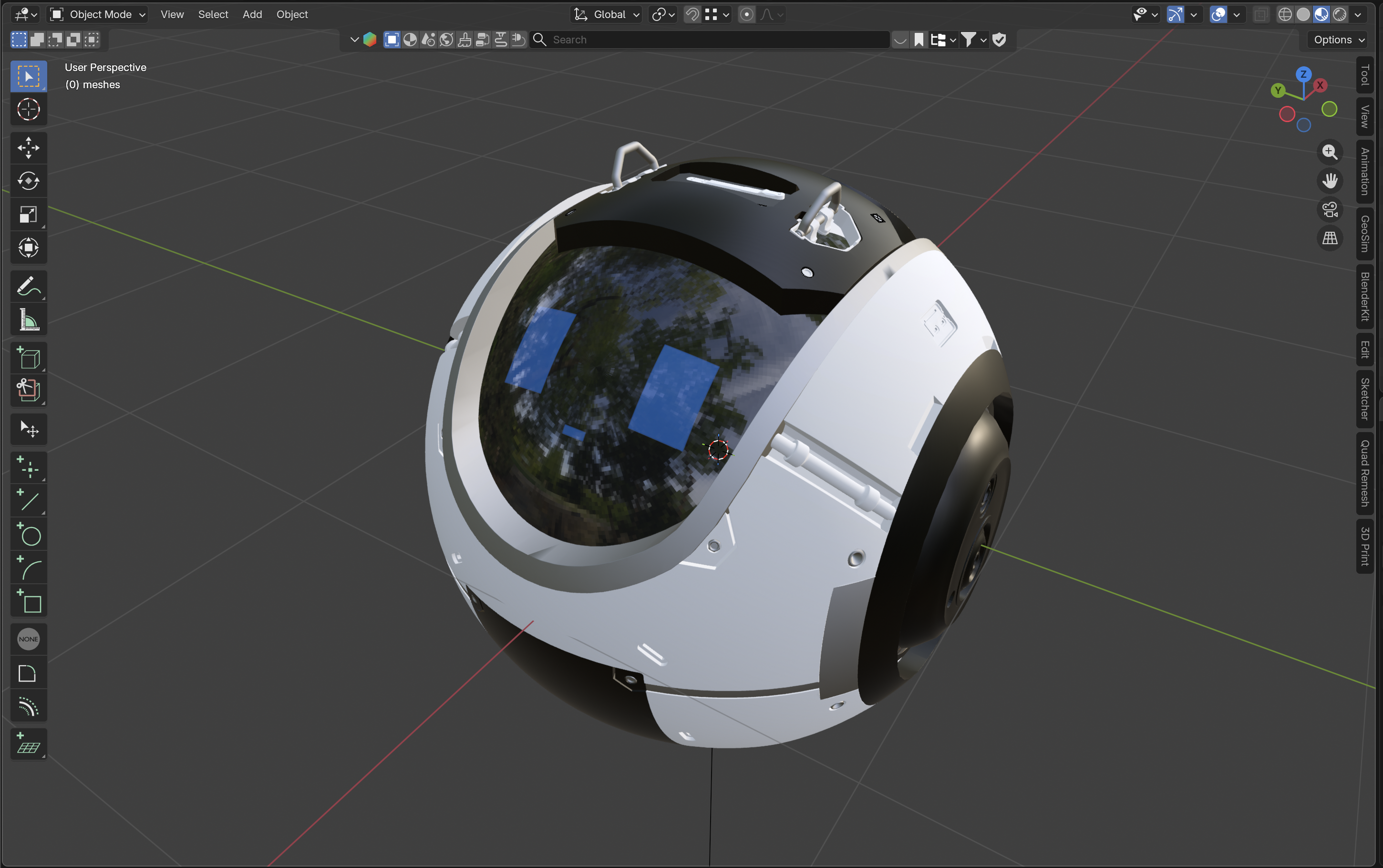
Quest 3S and controllers can recognize each other only when the controllers are being held in the hands. Because of this, I place the controllers at both ends and fix the distance with a mount. In Unity, I link the object by using the center point as an anchor. Also, even when the controllers rotate, the face expression inside always turns toward the player, which emphasizes that it is an object for interaction.
Facial Expression
To give the feeling that the player is really having a conversation
Shows 6 different expressions depending on the dialogue. I created the animation by changing the material UV of the object, so only one texture was needed.
Drawn by Rosyln Choi
Scan Mode
Activated when the player bring Sphere in front of eyes. When the player can't move forward, they can get hints or read hidden story details. It is especially important for finding Energy Capsules, which are a key element of the game, unlocking abilities, and solving puzzles.
3 Puzzles
1. Syncro
It applies the movement of the controller to the object. It is used to return puzzle objects to their correct position.
2. Ascend
It allows the player to move vertically. By raising the controller toward the sky, it gives the feeling of moving through the controller itself.
3. Barrier
It creates or removes a barrier. It can connect a broken path or allow the player to approach objects that were previously blocked from interaction.
Map Structure
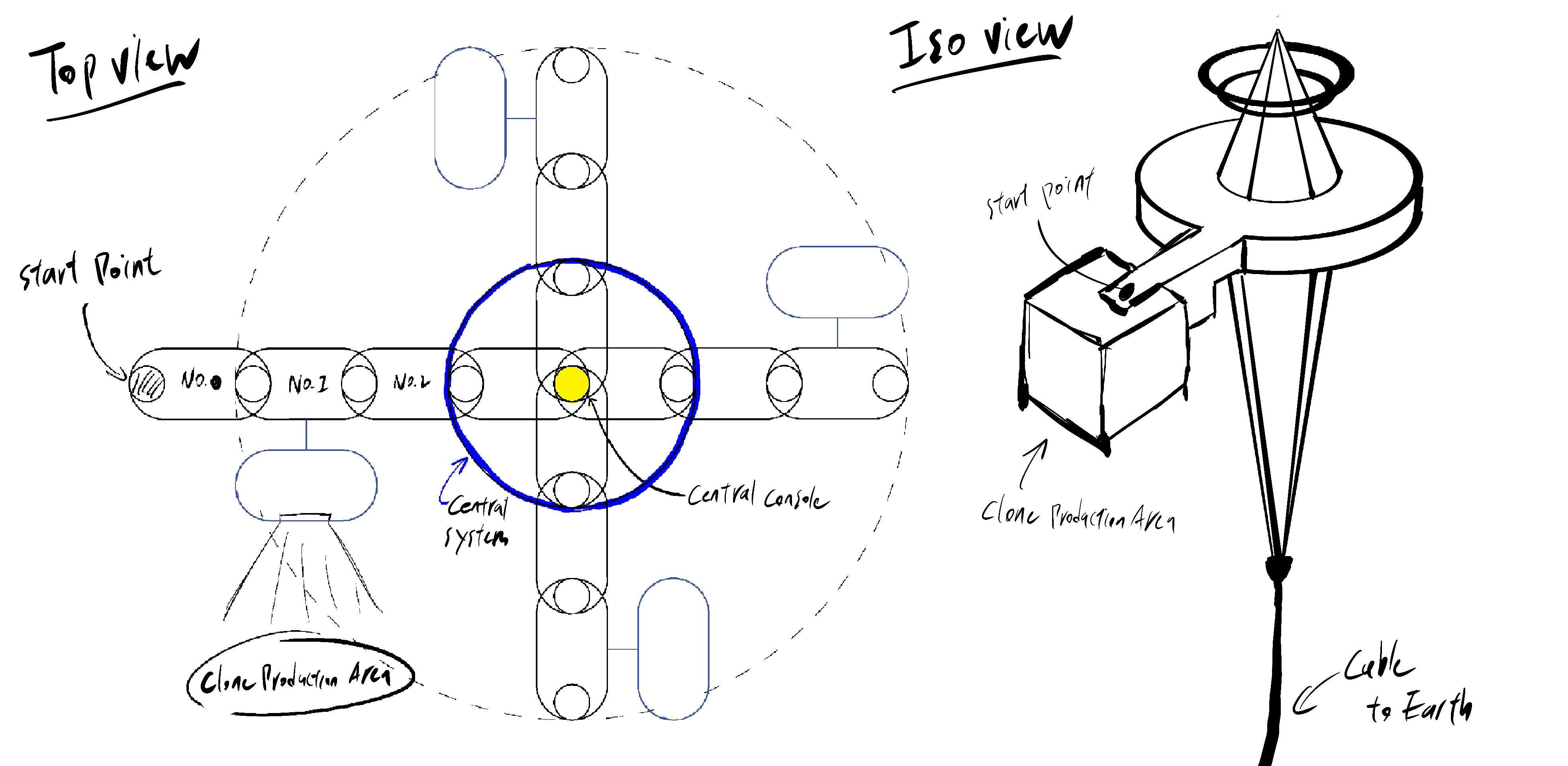
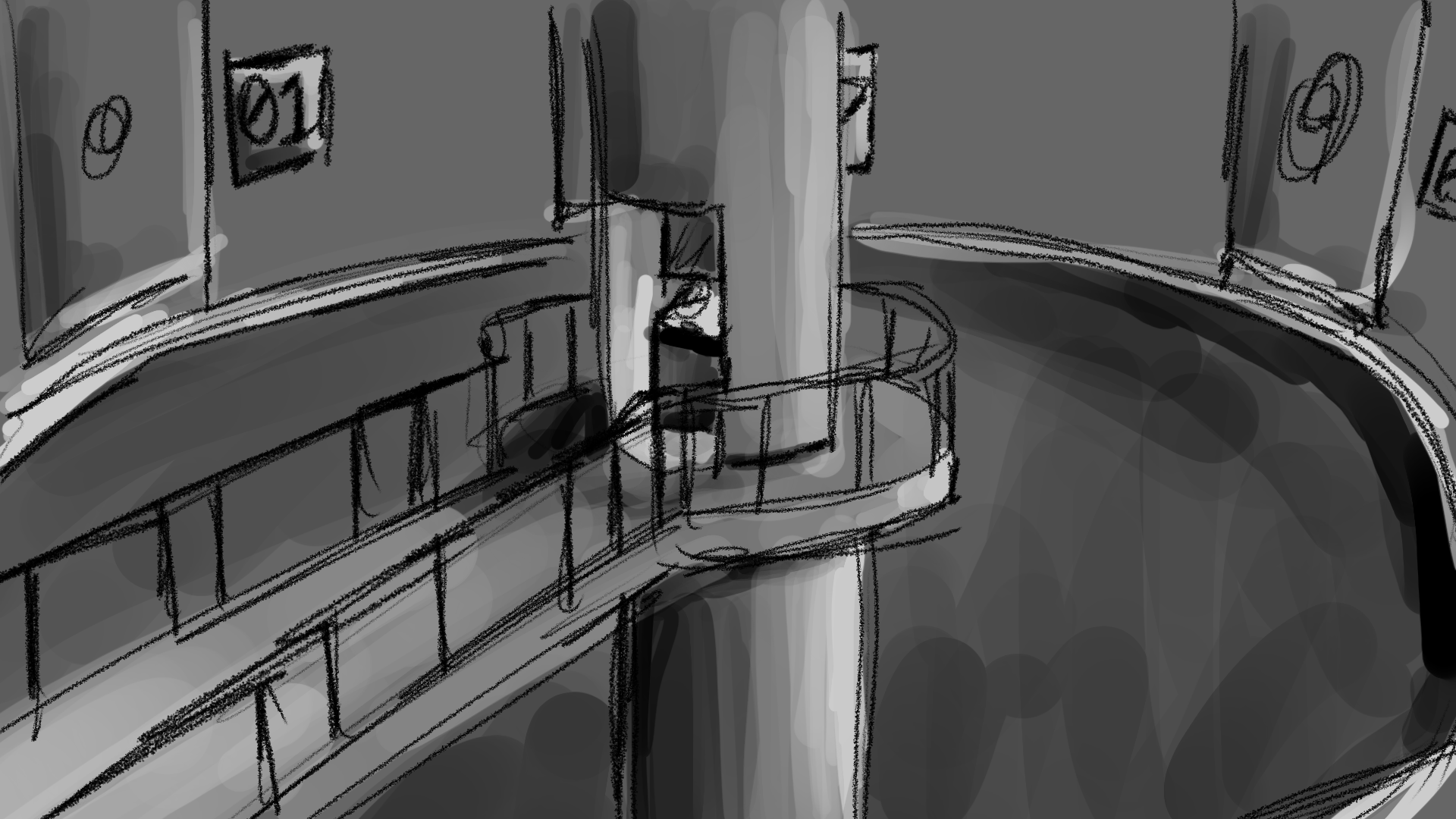
The player explores 5 * 2 M sized space in the real world. Even though the real space is limited, the game makes the player feel like they are exploring a much larger world. At both ends of the room, there are rotating capsules, and the player moves back and forth through them.
The space of the Central System was designed to show a larger area than a regular room, so it can rotate in 4 directions around a central point.
Initial Sketches
Role
Minkyu Kim
- Project Lead
- Unity Developer
- 3D Object/Space Designer
- Hardware Prototyper
- Storyteller
Roslyn Choi
- Graphic Designer
Kari Ergmann
- Storytelling Assist
Bella Dekoker
- Logo & Title Graphic Designer
Personal Contribution
Project Management
- Core idea & logic development
- Built the project timeline
- Assigned team roles
Prototyping
- Designed a custom controller mount
- Prototyped with 3D printing
Unity
- Linked controllers and Unity object
- Planned and managed dialogue
- Map rotating system
Blender, 3D Object/Space Design
- Designed modulized room
- Designed Sphere companion